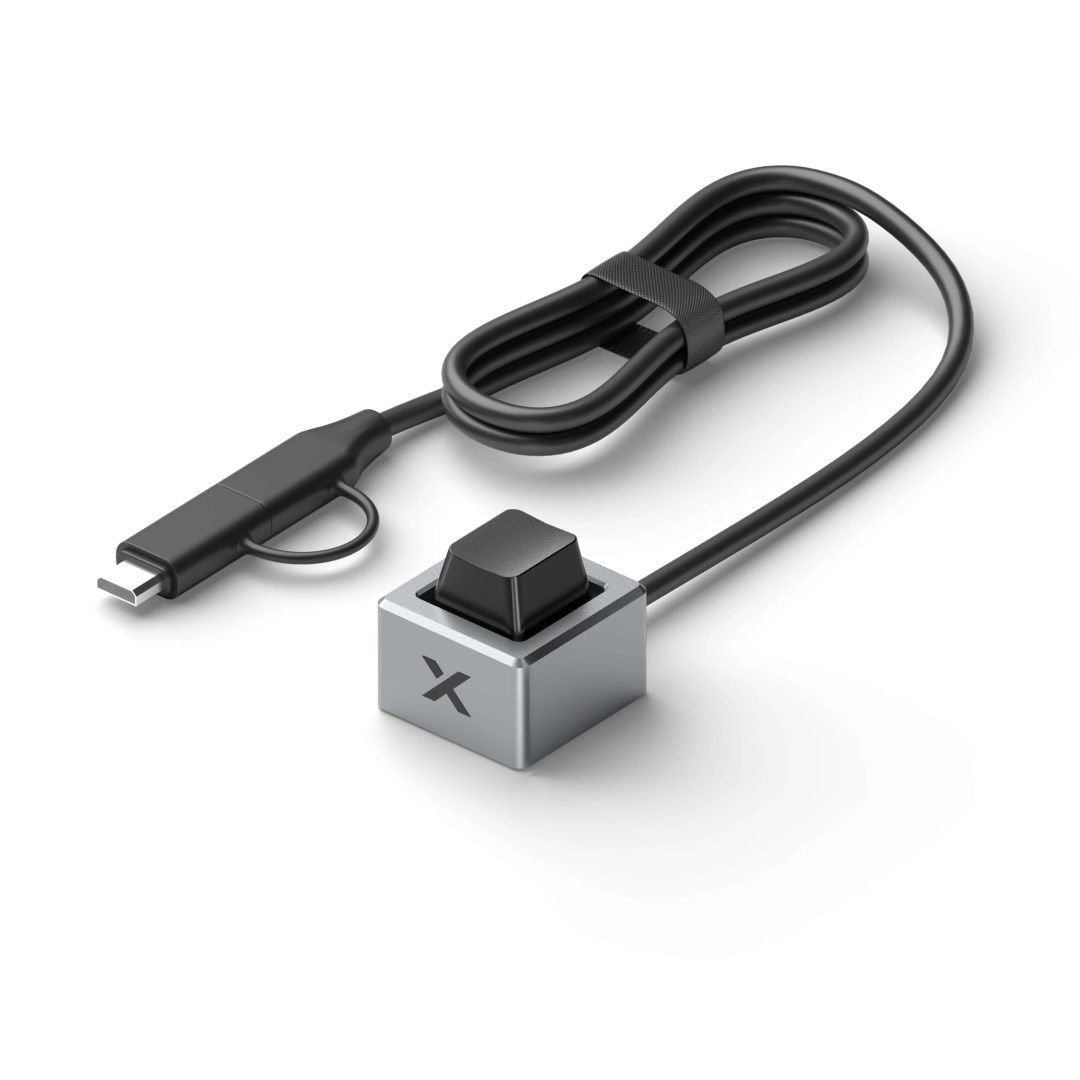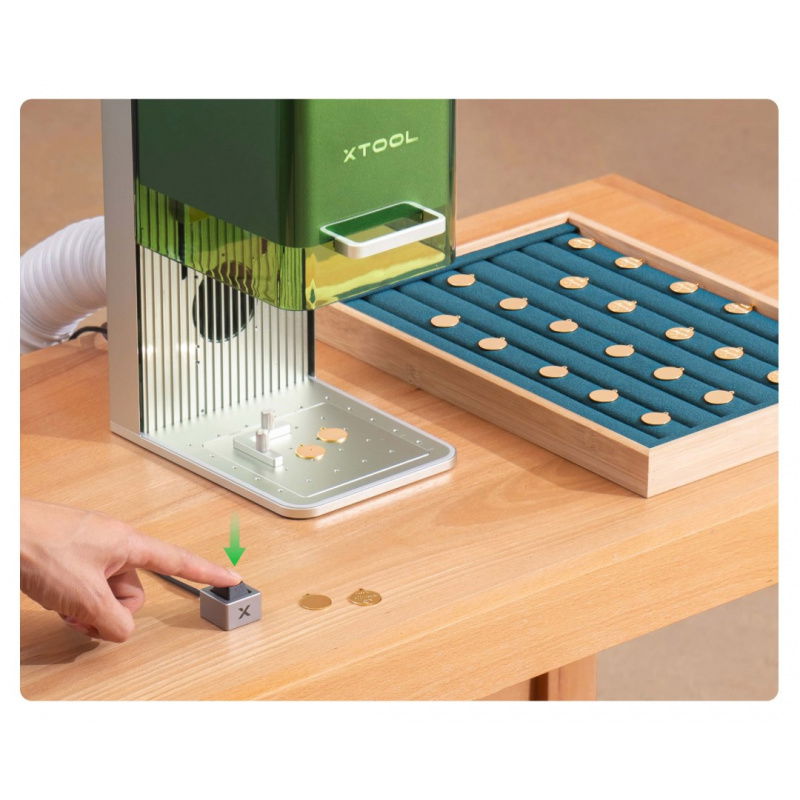




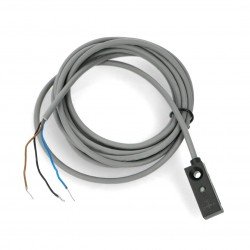



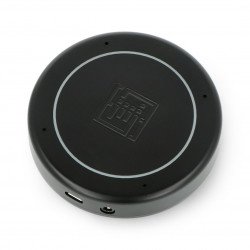


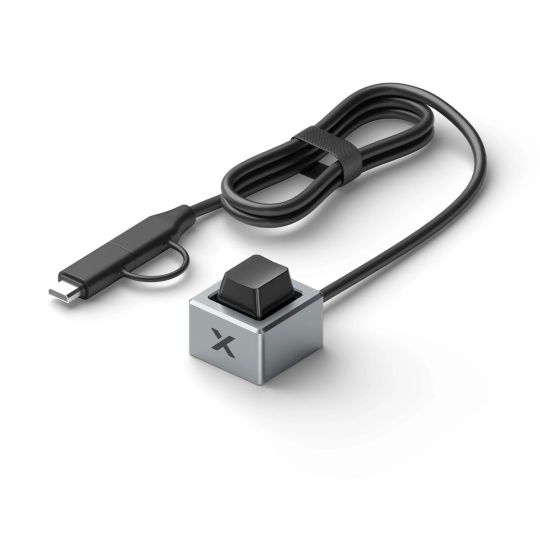
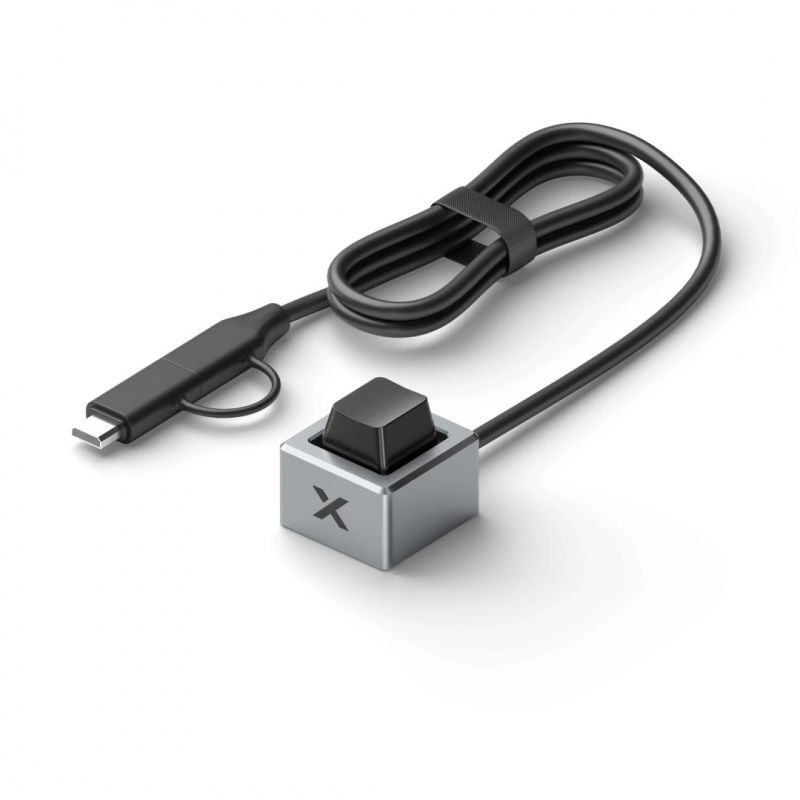


The control button is an accessory designed to streamline workflows with xTool F1, F1 Lite, F1 Ultra, and F2, F2 Ultra laser engravers. It allows you to quickly start, pause, or restart processing without having to reach for the control panel. Made of lightweight aluminum alloy , it combines ergonomics, durability, and precision.
The xTool control button is designed to maximize work efficiency during laser engraving . It allows for convenient process control – from start, through pause, to restarting a previous project . This allows for smooth operation, resulting in higher productivity and better final quality. The robust aluminum construction and 100 cm cable ensure comfort and durability even with intensive use.

Button switch for xTool F1 / F1 Lite / F1 Ultra / F2 / F2 Ultra.

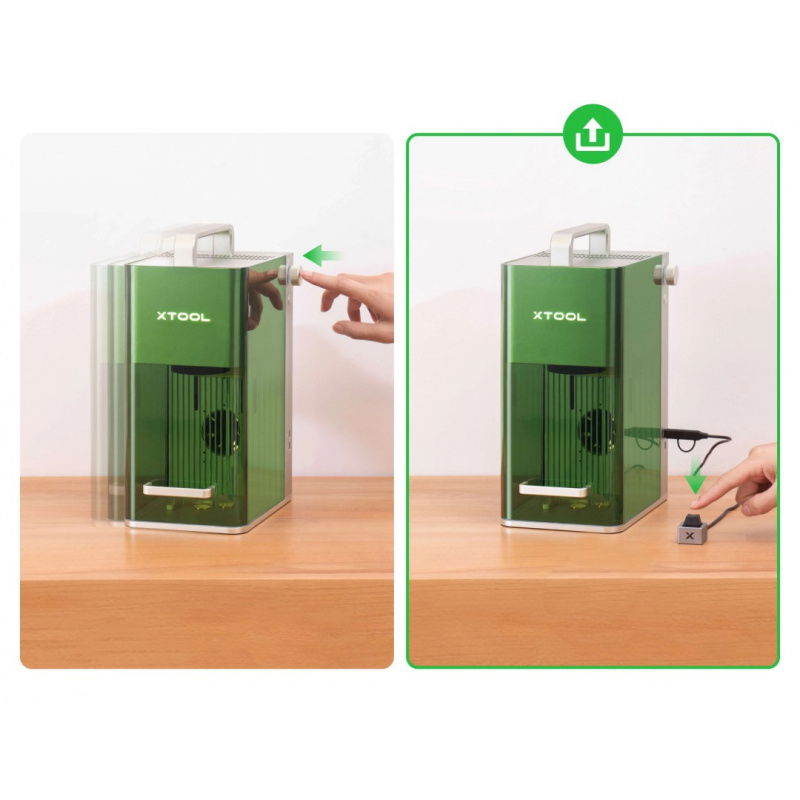
The xTool control button allows you to instantly stop or restart the engraving process.
The xTool control button is a perfect fit for any workshop using an xTool F1 , F1 Lite, F1 Ultra , or F2, F2 Ultra laser engraver. Ideal for high-volume work where time and ease of use are key . It allows you to instantly stop or restart the process without having to fiddle with software . which translates into operator safety and comfort.
Control button allows for full control of the engraving process from a convenient physical panel. Its operation is intuitive and adapted to the various stages of the device's operation:
| Device status | Share | Result |
|---|---|---|
| Ready to go | Press once | Start engraving |
| During work | Press once | Pause the process |
| Online standby mode | Press twice | Launching the previous file |
| Offline standby mode | Press twice | Launching the previous file |

The button increases the convenience of working with xTool engraving machines.
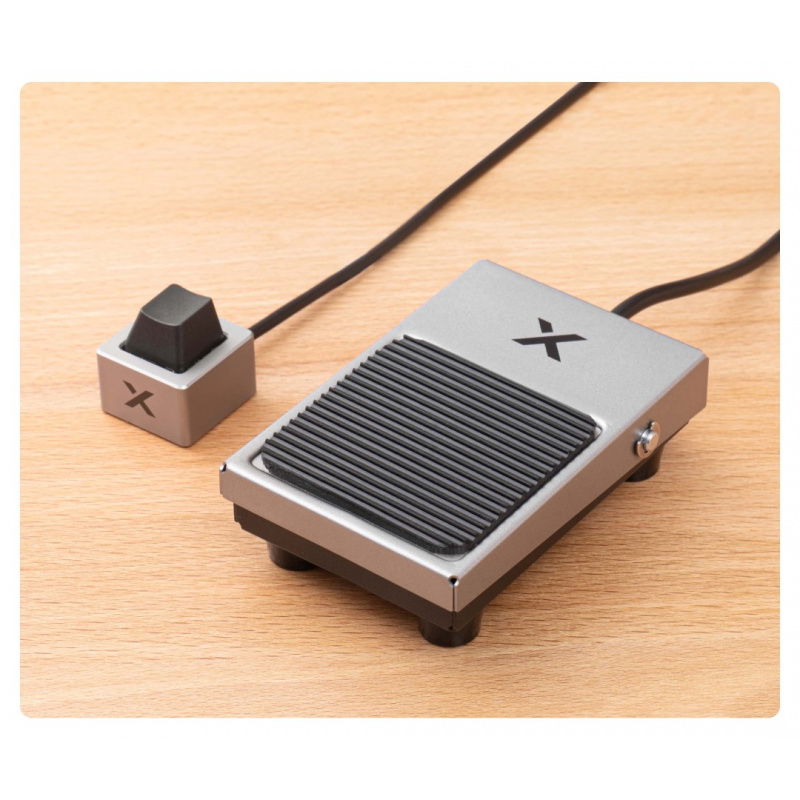
 The manufacturer also offers a foot switch for purchase separately as an alternative form of operation.
Useful links |
| Package width | 12 cm |
| Package height | 7.5 cm |
| Package depth | 6 cm |
| Package weight | 0.094 kg |
Be the first to ask a question about this product!
Country of Origin: China
Manufacturer Contact Details: Makeblock Co., Ltd., Floor 4, Building C3, Nanshan iPark, No. 1001 Xueyuan Avenue, Nanshan District, Shenzhen, Guangding Province, 518000, Chiny
EU Marketer Contact Details: Botland B. Derkacz Sp. K., Gola 25A, 63-640 Bralin