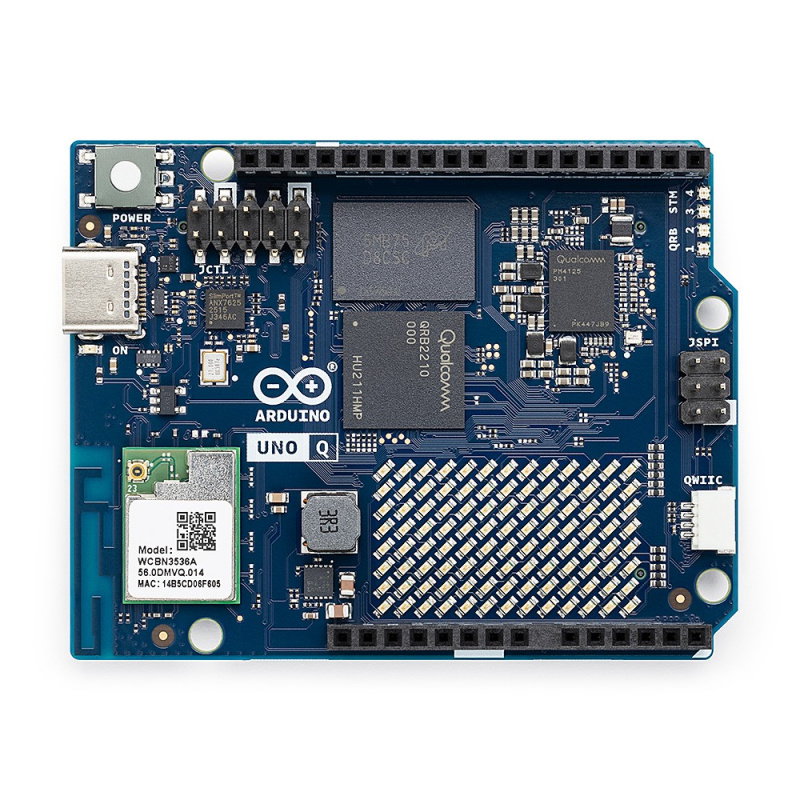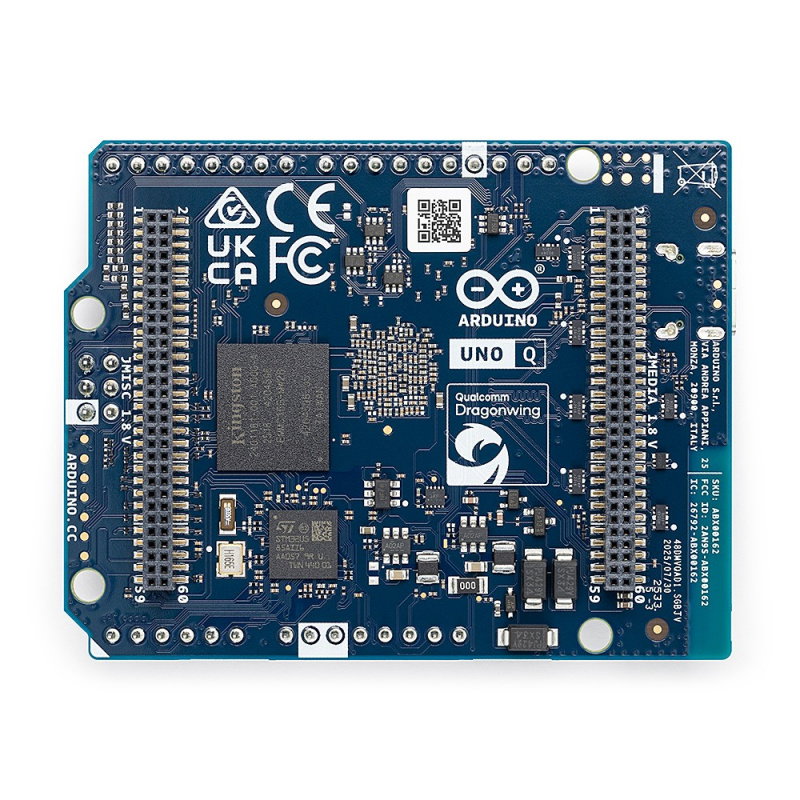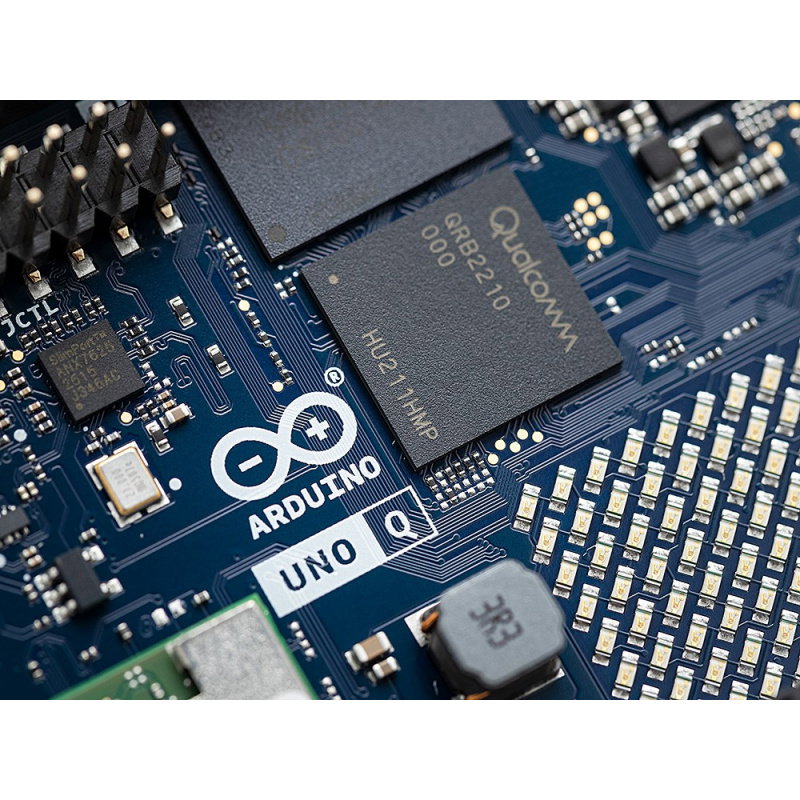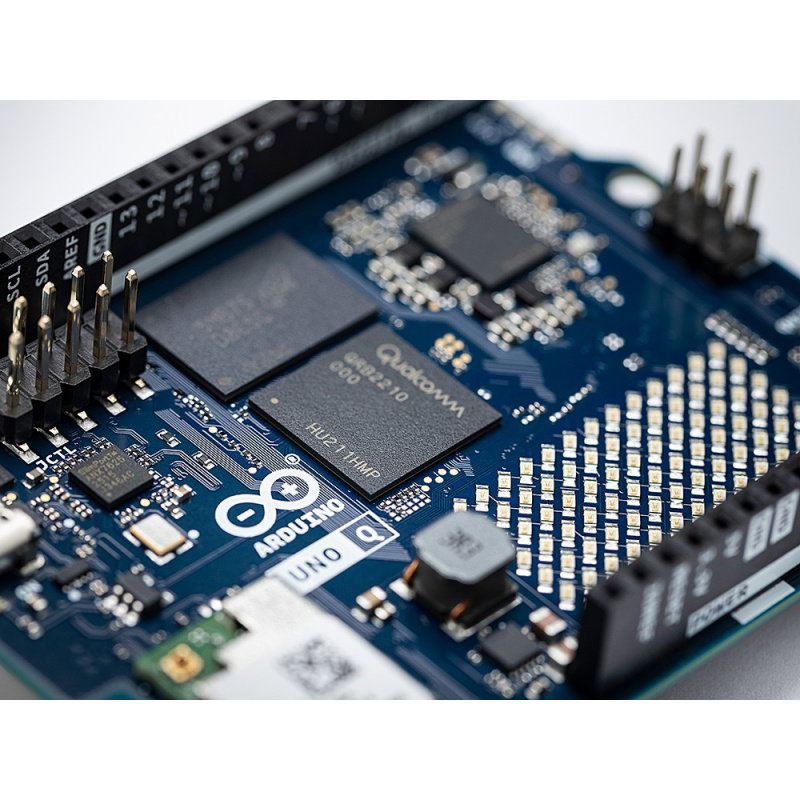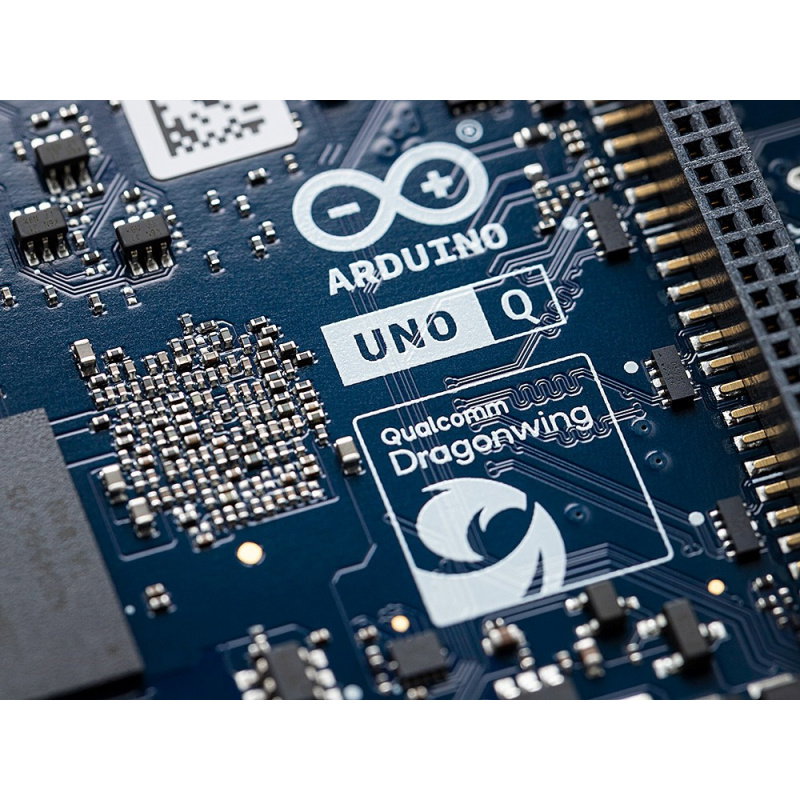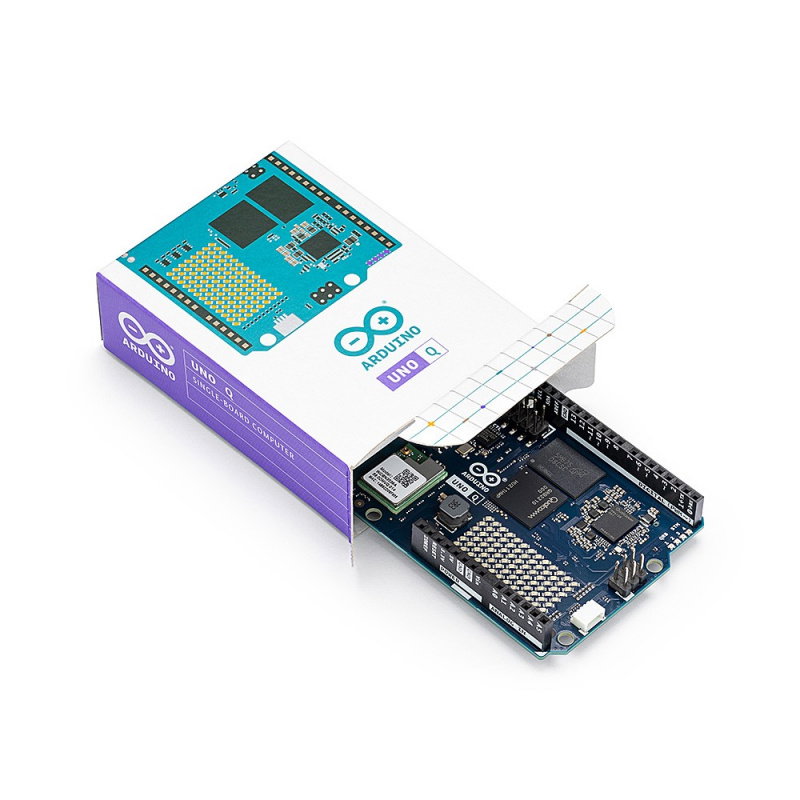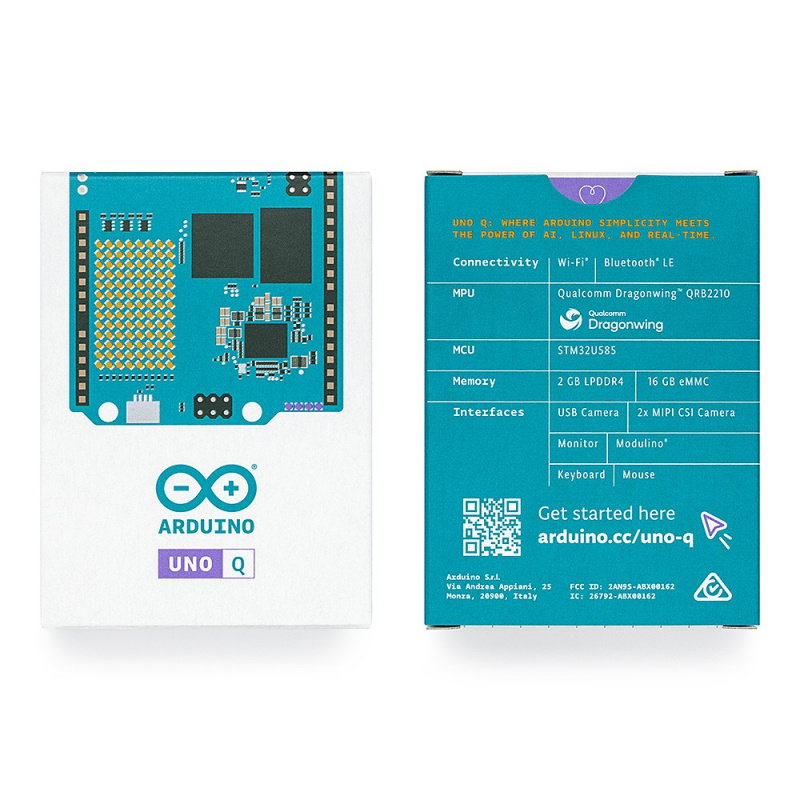




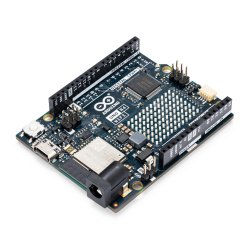











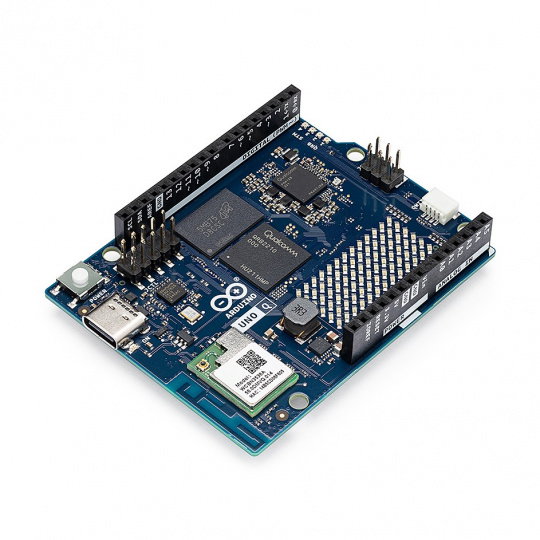
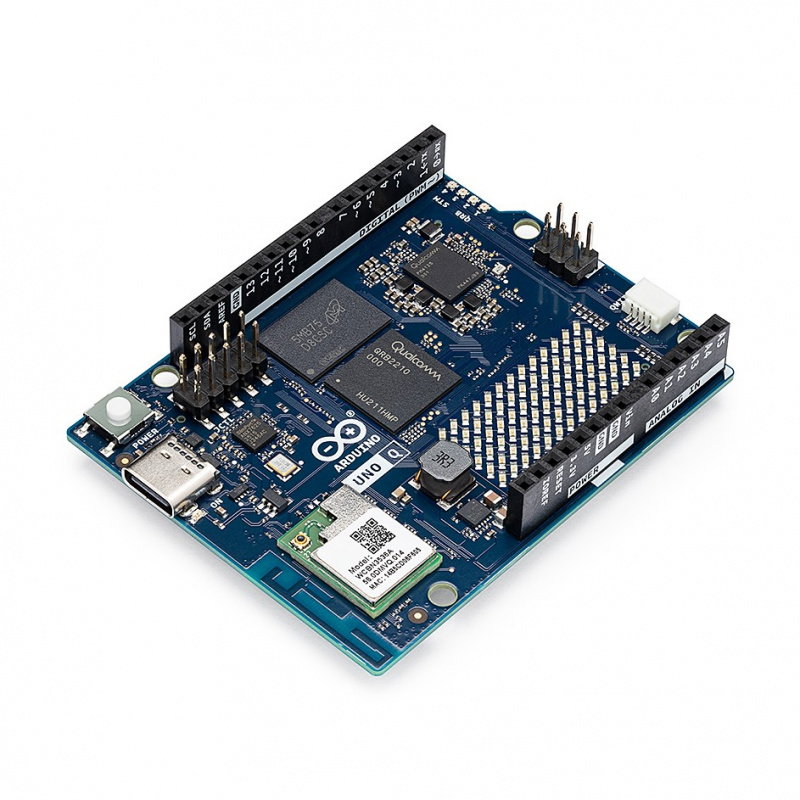


The Arduino UNO Q is a minicomputer combining high-performance computing with precise real-time control. Equipped with a Qualcomm Dragonwing™ QRB2210 (Quad-Core Cortex A53) processor and an STM32U585 microprocessor, it delivers exceptional performance. It offers 2 GB of RAM, 16 GB of eMMC storage , as well as WiFi 5, Bluetooth 5.1 , USB Type-C, and QWiIC connectivity, enabling easy integration with a wide range of devices and modules.
The Arduino UNO Q is an advanced minicomputer that combines a microprocessor running Debian OS with a real-time microcontroller , ideal for developing advanced applications in robotics, IoT, and artificial intelligence. Powered by a Qualcomm Dragonwing™ QRB2210 processor (2 GHz quad-core ARM Cortex A53) and an STM32U585 microprocessor (ARM Cortex M33), the UNO Q offers excellent processing power and precise control. It has 2 GB of LPDDR4 RAM, 16 GB of onboard eMMC memory , and supports WiFi 5 (2.4 GHz/5 GHz) and Bluetooth 5.1 , enabling seamless connectivity with external devices. The platform also features a USB Type-C connector for power, display, and connecting peripherals (e.g., keyboard, mouse, microphone), as well as a Qwiic port , which allows for easy system expansion without the need for soldering . With support for both classic UNO shields and modern Modulino modules , the UNO Q is exceptionally versatile and compatible with a wide range of projects. Programming is easy thanks to support for the Arduino IDE and Arduino App Lab , which integrates Arduino, Python, and AI code into a single interface, enabling rapid application development.
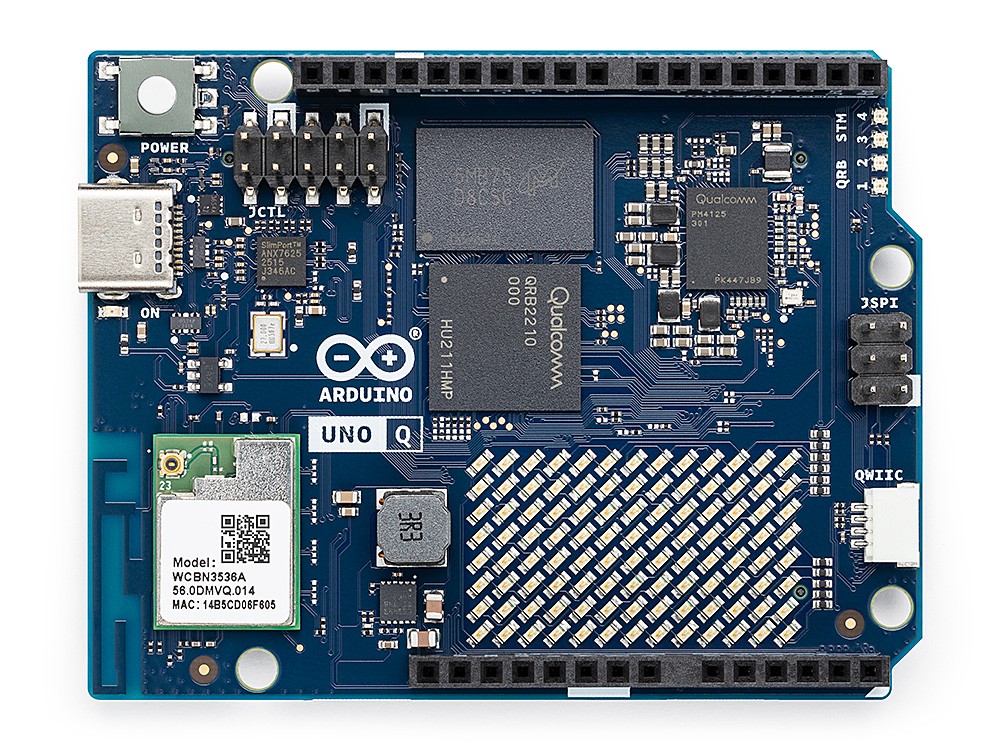
Arduino UNO Q 2GB.
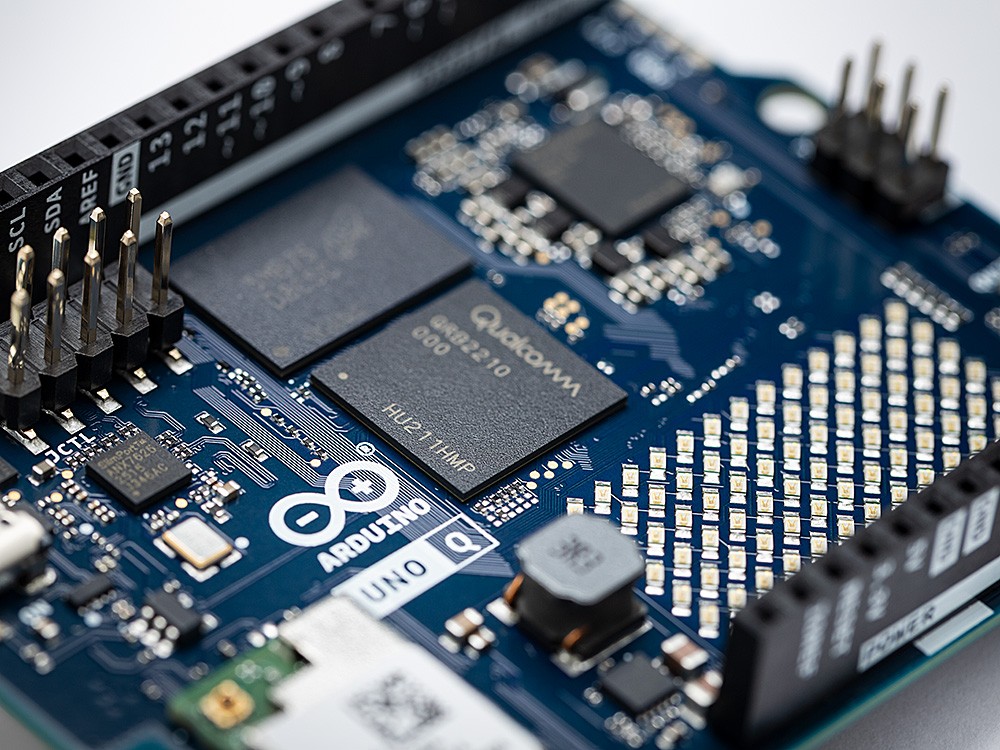
Arduino UNO Q enables the implementation of the most demanding applications, including object recognition, sound detection, voice recognition, and solutions based on artificial intelligence.
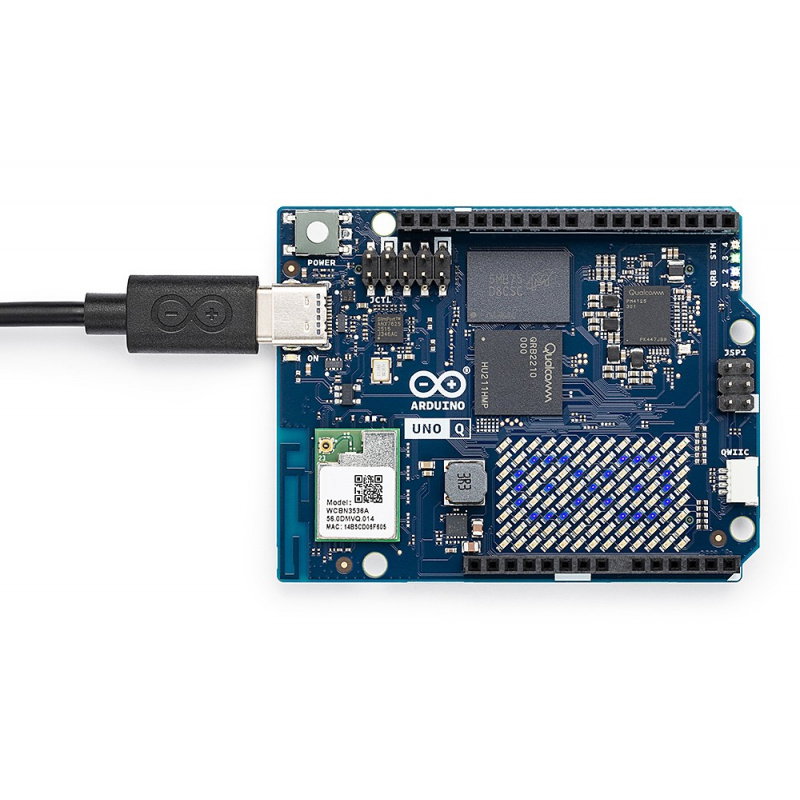
The UNO Q offers a range of connectivity options, including WiFi 5 and Bluetooth 5.1 , allowing for easy communication with external devices. Additionally, the USB Type-C port not only provides power but also allows for display transfer, keyboard, mouse, and other peripherals. The integrated Qwiic port makes it easy to expand the system with additional modules without the need for soldering. The platform also supports classic interfaces such as I2C, SPI, PWM, UART, CAN, and GPIO . enabling full control over external devices.
UNO Q supports the traditional Arduino IDE and Arduino CLI development tools, but it fully utilizes its capabilities with the Arduino App Lab . This modern development environment allows seamless transitions between Arduino code, Python, and AI algorithms . The integrated Linux-based environment makes programming more flexible and convenient, and integrating code and scripts is easier than ever before. UNO Q allows for complete control over your projects , whether you're working with a microprocessor or a real-time system.
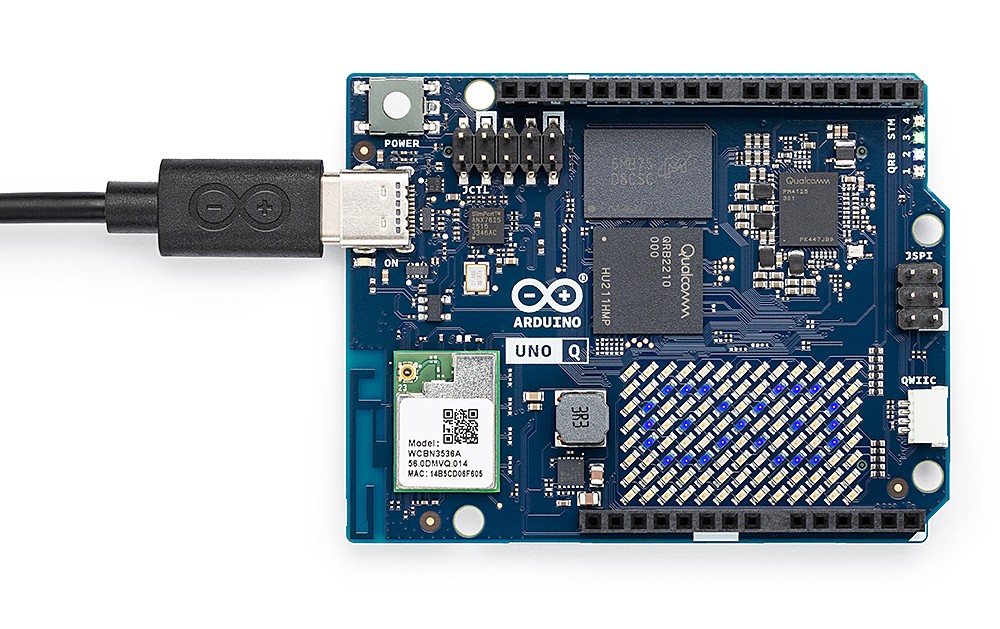
The USB Type-C connector allows you to power the board, transmit images, and connect peripherals such as a keyboard, mouse, microphone, or camera.
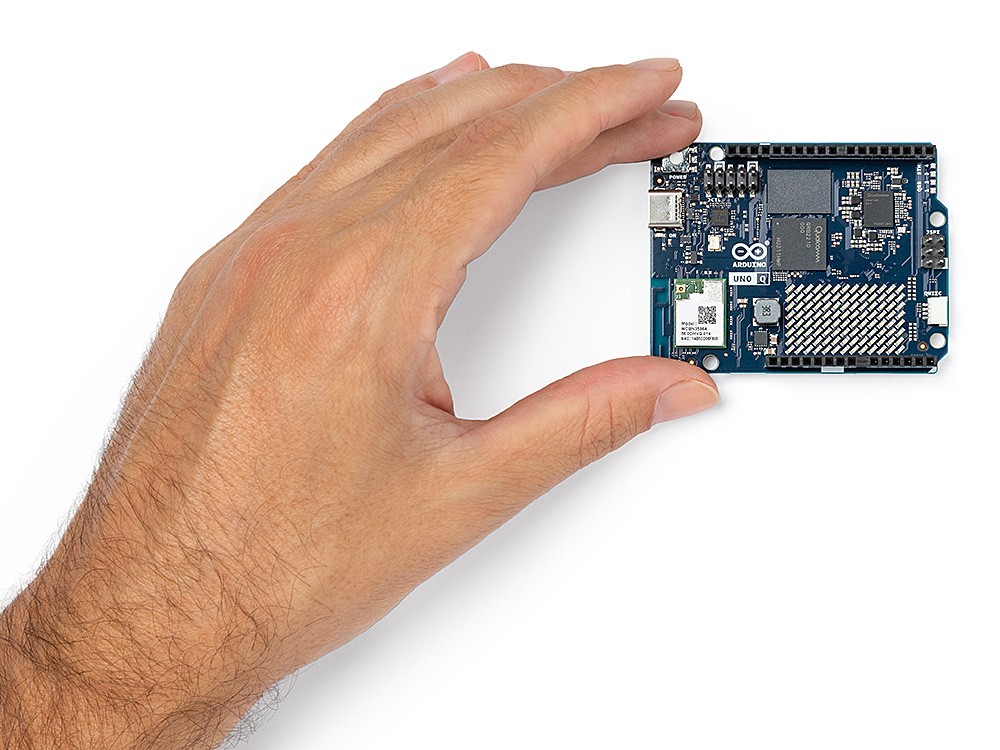
Programming is easy with support for Arduino IDE and Arduino App Lab.
Arduino App Lab is an integrated development environment that allows you to easily integrate Arduino, Python, and AI code in one place. Arduino App Lab comes preinstalled on the UNO Q, allowing you to get started immediately . With it, you can seamlessly transition between programming with Arduino, writing scripts in Python, and using AI models , all from a single interface. This intuitive environment allows for rapid application development and testing of advanced features like object recognition and sound analysis.
Both boards belong to the UNO family, but were designed with different needs in mind. The UNO R4 is a classic microprocessor board, ideal for simple and effective hardware projects —perfect for reading sensors, controlling actuators, or creating IoT prototypes. It's fully compatible with the Arduino IDE, libraries, and shields, making it a great choice for learning, experimenting, and quickly launching projects. The UNO Q goes a step further, combining an STM32U585 microprocessor with a Linux-capable Qualcomm Dragonwing™ QRB2210 processor. This allows you to run AI models, process image and sound, and integrate advanced web applications while maintaining full control over the hardware.
| Arduino UNO Q Technical Specifications | |
|---|---|
| Microprocessor (MPU) | Qualcomm Dragonwing™ QRB2210: Quad-Core ARM CortexA53 @ 2 GHz, Adreno GPU, 2x ISP (13 MP + 13 MP or 25 MP) @ 30 fps |
| Microcontroller (MCU) | STM32U585: ARM Cortex M33 up to 160 MHz, 2 MB Flash, 786 kB SRAM |
| Memory | 2 GB RAM LPDDR4, 16 GB eMMC built-in |
| Power supply | USB Type-C 5V DC max 3A, VIN Input: 7 V - 24 V DC |
| Communication | WiFi 5 (2.4 GHz / 5 GHz), Bluetooth 5.1 |
| Interfaces | I2C/I3C, SPI, PWM, UART, CAN, PSSI, GPIO, JTAG, ADC |
| Video | support for video output via USB Type-C, MIPI DSI pins on the JMEDIA connector |
| Additional features | 4 x programmable RGB LEDs, 8 x 13 LED matrix, 1 x Qwiic connector (3.3V, I2C), 1 x user button, JCTL connector for remote MPU debugging, audio: mic in/headphone out/line out on JMISC connector |
| Main Processor (MPU) Operating System | Linux Debian OS with full upstream support |
| Real-time system | Arduino Core running on Zephyr OS |
| Containerization | Docker and Docker Compose support |
| Supported Systems for Arduino App Lab | Windows 10 or later (64-bit), macOS 11 or later (64-bit), Linux: Ubuntu 22.04 or Debian Trixie (64-bit) |
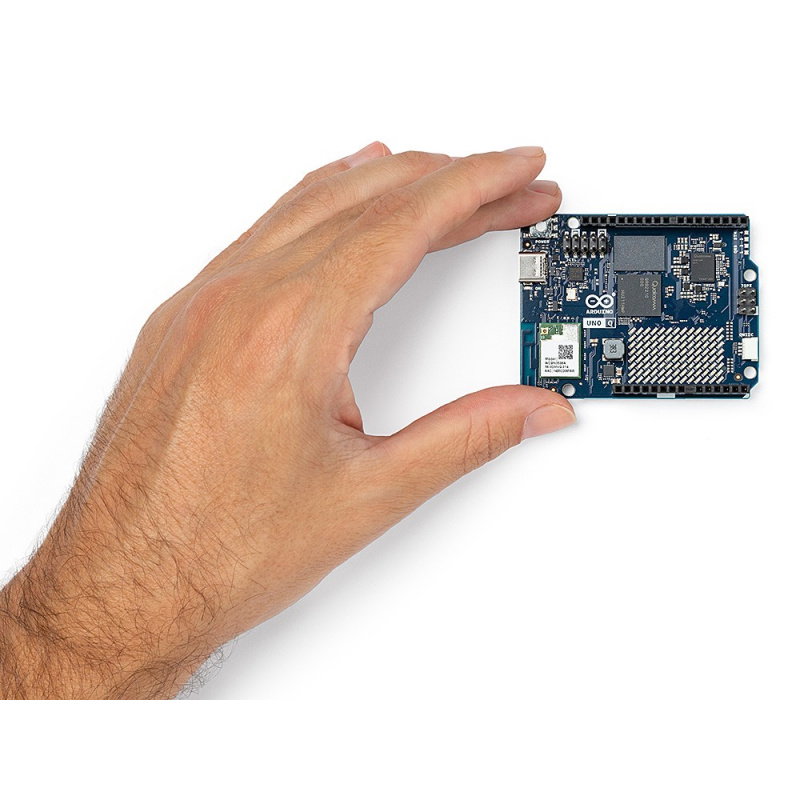
| Dimensions | 68.85 x 53.34 mm (classic UNO format) |
Useful links |
| Voltage to | 5.0 V |
| Voltage from | 24.0 V |
| UC - Microcontroller | STM32U585 |
| UC - Core | Cortex M33 |
| UC - Core | Cortex A53 |
| UC - RAM | 2 GB |
| UC - core | 4. Quad Core |
| UC - External memory | eMMC 16GB |
| UC - freq | 2.0 GHz |
| UC - WiFi | yes |
| UC - USB | USB C |
| UC - Bluetooth | yes |
| UC - I2C | yes |
| UC - UART | yes |
| UC - SPI interface | yes |
| UC - CAN interface | yes |
| Niebezpieczne | Equipment |
| Package width | 6.3 cm |
| Package height | 8.3 cm |
| Package depth | 2.6 cm |
| Package weight | 0.038 kg |
Be the first to ask a question about this product!
Country of Origin: Italy
Manufacturer Contact Details: ARDUINO S.r.l. Via Andrea Appiani 25, 20900 Monza, Italy
EU Marketer Contact Details: BOTLAND B. DERKACZ SP. K. Gola 25A - 63-640 Bralin