



Promotions
Raspberry Pi 4B memory cards
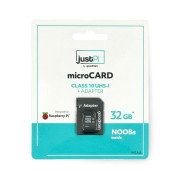
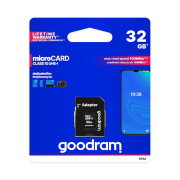
Most of today's multimedia devices have built-in memory, most often in the form of a hard disk, SSD, memory card. The device memory is a data carrier that enables the process of saving and reading a file, e.g. in cameras, portable MP3 players, cell phones and computers. What is worth emphasizing, if we need more space for our files and folders, then the built-in memory can be expanded easily and quickly. For this purpose, the most frequently chosen solution is to connect a micro SD memory card. The Raspberry Pi 4B minicomputer, like its previous generations, is standard equipped with a slot for such cards. The micro SD memory cards for Raspberry Pi 4B offered by the Botland store are available in several different capacities and data read/write speeds. Choosing the right memory card for your minicomputer is a guarantee of proper operation in any application. We offer high-quality micro SD cards for Raspberry Pi, which ensure reliable operation and a quick process of data saving and reading.
Products
See also
Memory cards for Raspberry Pi 4B - FAQ
The formatting of a microSD card, which was previously used to store regular files, can be done using a built-in function of the operating system. In the case of a card that previously worked with Raspberry Pi , you can use a tool designed for this purpose, e.g. the free SD Card Formatter program.
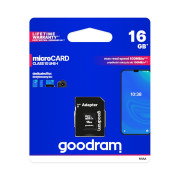
To use the full capabilities of the Raspberry Pi 4 minicomputer, it is worth choosing a fast class 10 card, preferably compatible with UHS-I - for example, the Goodram M1AA card with a capacity of 16 GB offers data reading speeds of up to 100 MB/s and writing speeds of up to 10 MB/s .
Regardless of the version of the minicomputer used, the recommended choice will be a class 10 card with a capacity of at least 16 GB - although it is possible to install the system on smaller media, it is worth providing a few additional gigabytes for storing data and user programs.