



New arrivals
On Sale
USB adapters
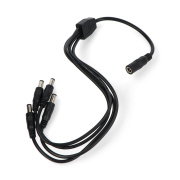
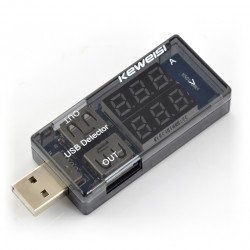
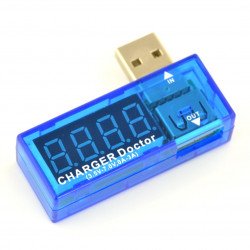
USB adapters - t+his category includes adapters, cables and extension cables with the most popular USB connectors (micro USB, mini USB, USB A, USB B, USB C), as well as other endings (for example for Apple devices or with audio connectors type Jack 3.5 mm). These accessories are useful not only in electronics work, but also in everyday use of electronic devices. In this section you will also find meters used for measuring current and voltage in USB ports - this allows you to quickly and accurately detect faults in power supply ports (USB).
Products
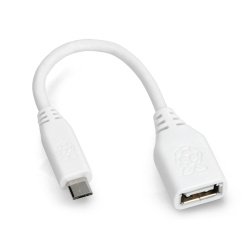
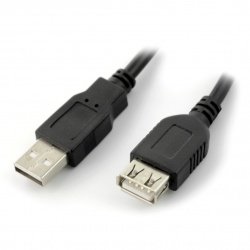
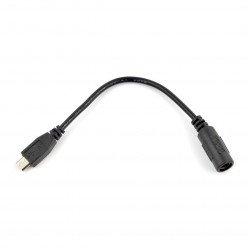
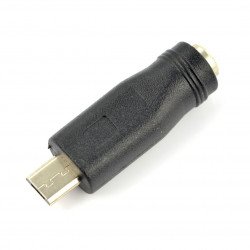
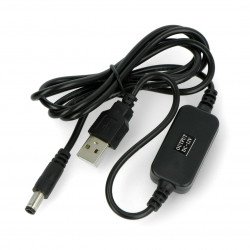
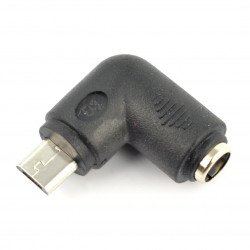
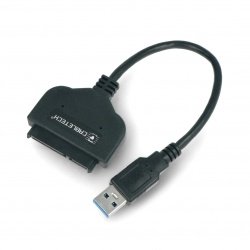
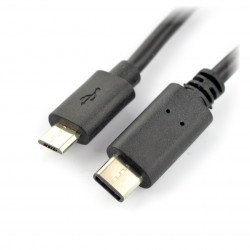
See also
USB adapters (micro USB, mini USB and many others)
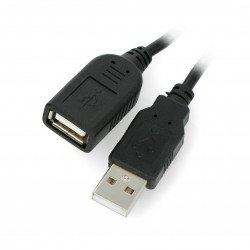
Accessories from this category are widely used both in everyday use of electronic devices and during more advanced work. They allow you to connect devices whose connectors are not compatible. In addition, they are used for convenient power supply and/or data transfer (depending on the selected model). This section also offers extension cords (up to 10 m) - including active extension cords, the properties of which allow signal transmission (data transmission) over a longer distance without loss of quality.
Types of connectors and USB adapter - How to choose?
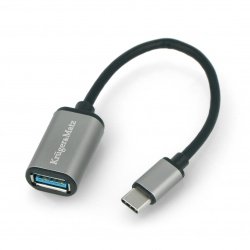
Products in this category include models with various types of connectors. We offer adapters with bandwidth standards 2.0 (maximum speed 60 MB/s, also compatible with USB 1.1) and 3.1 (maximum 500 MB/s, also compatible with USB 1.1 and 2.0). Adapters with male and female USB A, USB B and USB C connectors are available in various sizes, as well as equipped with Lightning connectors (intended for Apple devices), DC (power connector) or alligator clips. In this section you can also find a convenient splitter for charging electronic devices from various companies (including Nokia or Motorola mobile phones).
USB adapters - additional information
The USB adapter and peripheral devices available in our store are used to transmit data and charge (power) compatible devices such as a mobile phone, tablet, camera, camcorder and many others. Each connector allows you to connect a device with a compatible USB port (e.g. USB Type C). Selected manufacturers use gold-plated contacts or even double shielding in their products, which improves bandwidth and protects the signal against external interference.
What should you pay attention to when choosing an adapter?
The most important parameter is, of course, the selection of the appropriate input and output connector. It is also worth checking whether the selected cable is equipped with a data transmission line (unless it will be used only for charging). In the case of an extension cord, you should choose the shortest length needed to minimize loss of connection quality. You can also choose an active cable - this solution will enable transmission over a longer distance without deterioration of the signal. In our online store you will find a wide selection of USB adapters from renowned manufacturers. More information can be found both in the descriptions of specific models and on our blog.
USB adapters - FAQ
Yes - although you can find adapters on the market that use USB2.0 for image transfer, currently the best solution is to use a USB C to HDMI adapter - the new version of the USB port ensures much faster data transfer, which allows you to use the full capabilities of your graphics card and monitor .
For the proper operation of the USB-audio adapter (also called an external graphics card), it is necessary to provide the operating system with appropriate drivers to operate the internal controller of such an adapter. If the device does not work, disconnect it from the computer's USB port , uninstall the drivers (manually), and then perform the installation process again.