



New arrivals
On Sale
Keyboards
HID devices (Human Interface Devices) are nowadays used every day by everyone to interact with digital technology. This is perhaps the most popular category of peripherals electronic devices. This group includes devices such as a TV remote control, game console controller, computer mouse or keyboard.
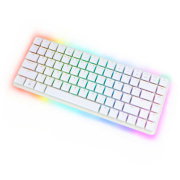
In addition to PCs, keyboards are also used in many other devices. A perfect example will be ATMs, cash registers, landline telephones, door stations, control and automation devices and many more. Of course, the computer keyboards themselves are different from each other. We can distinguish, for example, classic keyboards for desktop computers (wireless keyboards, wired keyboards), laptop keyboards, keyboards attached to a TV, game console, smartphone, as well as professional gaming or specialized keyboards.
In this category, you can choose from dozens of different keyboards. All products are characterized by attractive prices and the highest quality of workmanship. The Botland store offers a wide selection of small keyboards at an affordable price, allowing you to build a simple control interface for your project.
Products


See also
How do keyboards work?
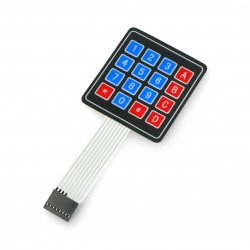
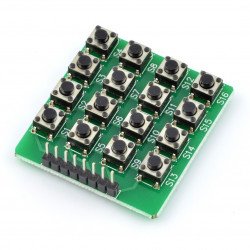
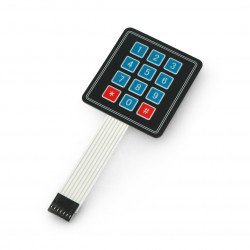
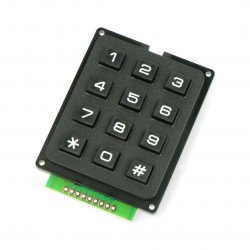
The buttons placed on a typical membrane keyboard are arranged in the form of columns and rows. For example, a 3X4 keyboard has three columns and three rows, and a 4X4 keyboard has four rows and four columns. There is a membrane button between each key. Each button in a row is connected to switches in other rows via a signal conducting path. Each button in a column is connected in the same way - unilaterally to other switches in the same column via a conductive path. There is a separate pin for transmitting control signals for each row and each column, which means that for a 4X4 keyboard, 8 pins will be needed. Pressing the key closes the circuit between the row and the column and causes control current to flow between the appropriate pins for the row and column.
Keyboards ideal for working with embedded systems
Keyboards allow the user to enter input while the program is executing a set of instructions and commands. The Botland store also offers keyboard modules compatible with Arduino, and an appropriate Keypad library has also been designed for this purpose. The keyboard is often used as an input device for Arduino, and membrane models are an affordable solution for many applications - they are thin and easy to install in many devices.
Matrix keyboards - Botland - Shop for roboticists
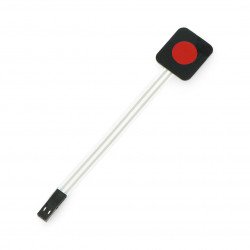
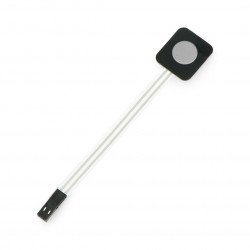
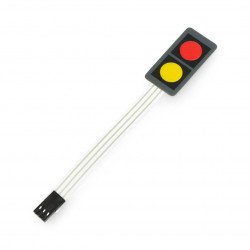
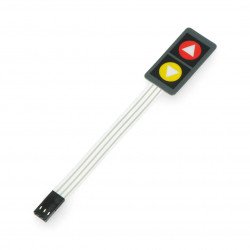
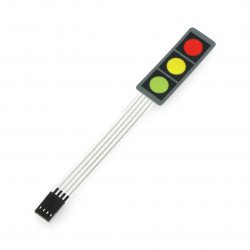
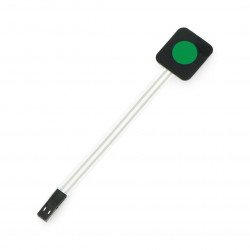
Our store's assortment includes various types of keyboards. Individual models are characterized by a different number, size and type of keys. We offer both self-adhesive membrane keyboards in various variants and numerical models (with markings on the keys). The most common layouts are 4x4, 3x4, 2x2 and 2x4. Matrix keyboards with 1, 2, 3 and 4 buttons are also available. Additionally, in this section you can find keyboards for Arduino and other systems. All models have clearly marked pins. In practice, this means that correct connection should not be a problem.
Matrix keyboards - FAQ
A matrix keyboard has buttons grouped into columns and rows, which allows you to control more buttons with fewer lines of data.
A matrix keyboard is composed of buttons arranged in rows and columns. Matrix keyboards include, for example , numeric keypads .
A membrane keyboard is a type of keyboard in which pressing a key brings a layer of special foil into contact with an electrical circuit printed on the layer below, which generates an electrical signal. You can learn more in our article about membrane and mechanical keyboards .
The method of connecting the keyboard to Arduino depends, among other things, on the parameters of the selected model. You can find more information about connecting various extensions to Arduino on our blog .