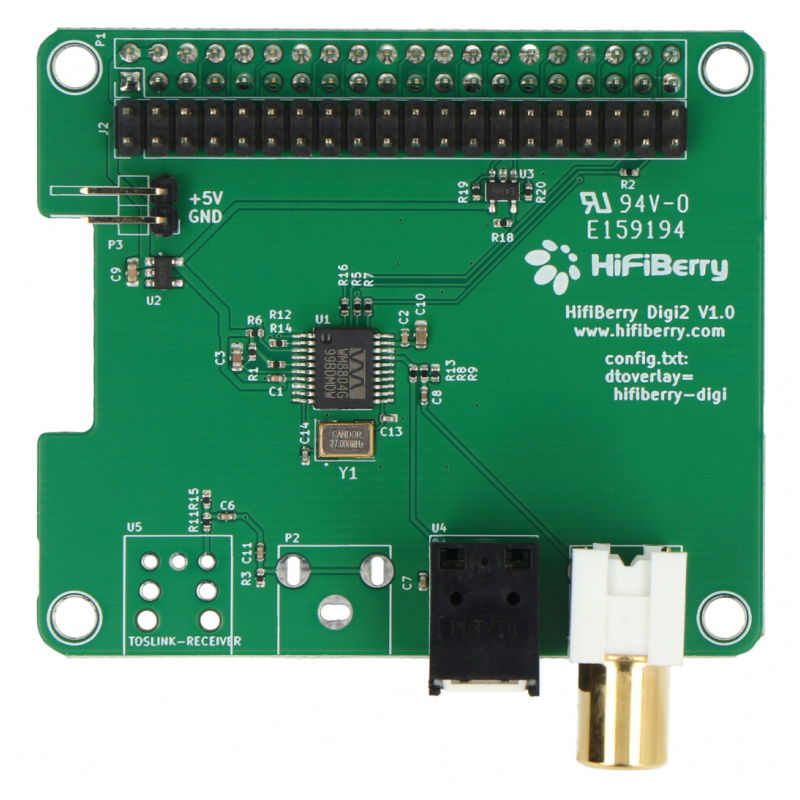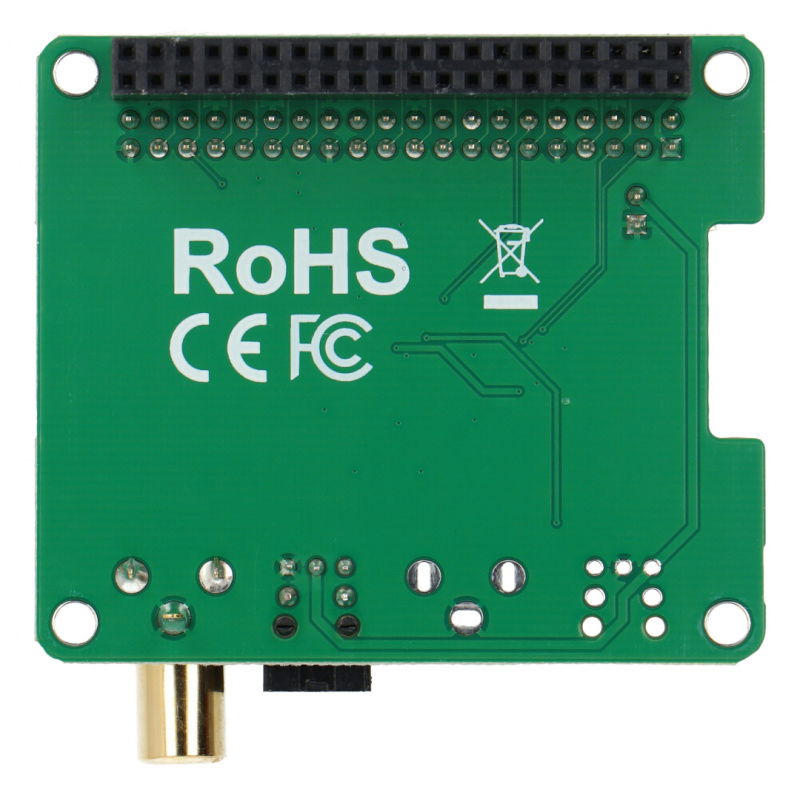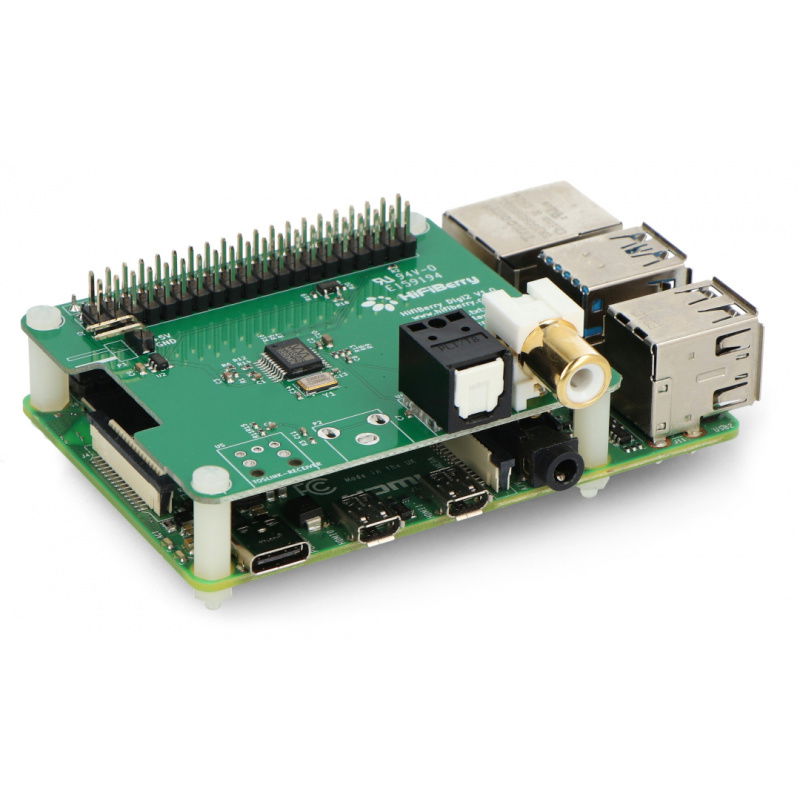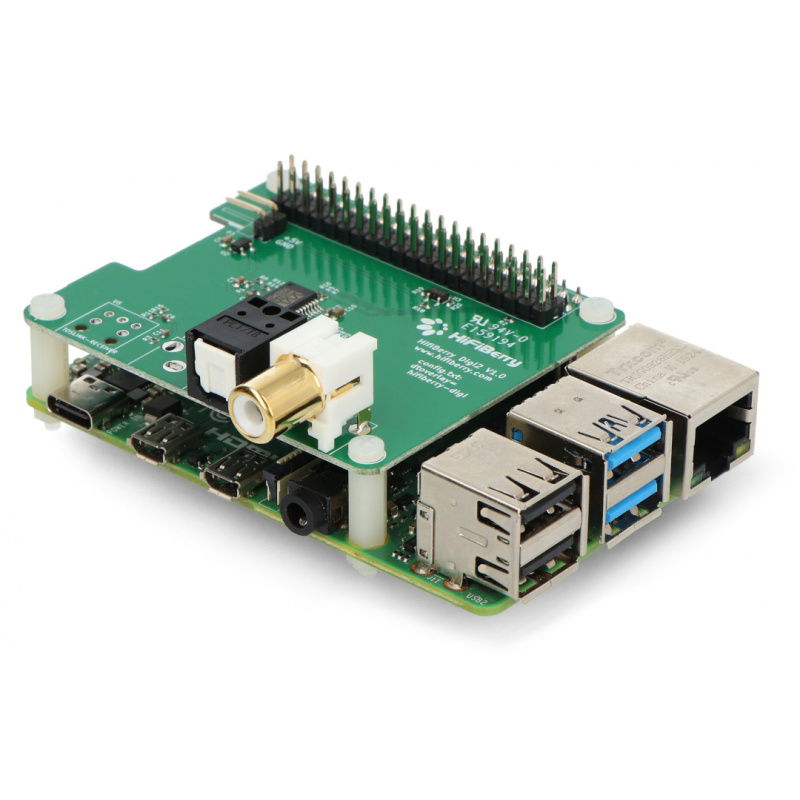













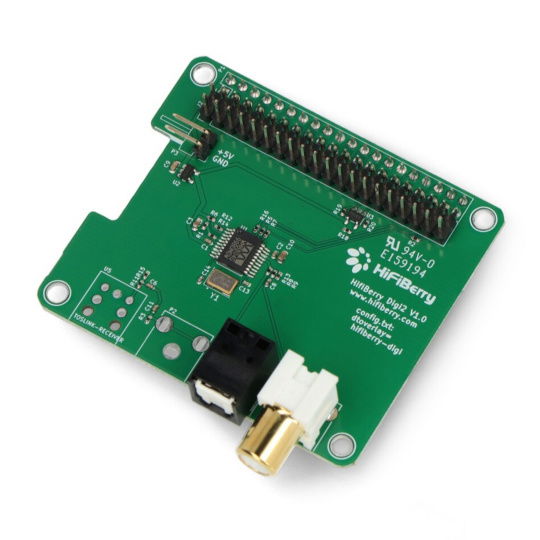
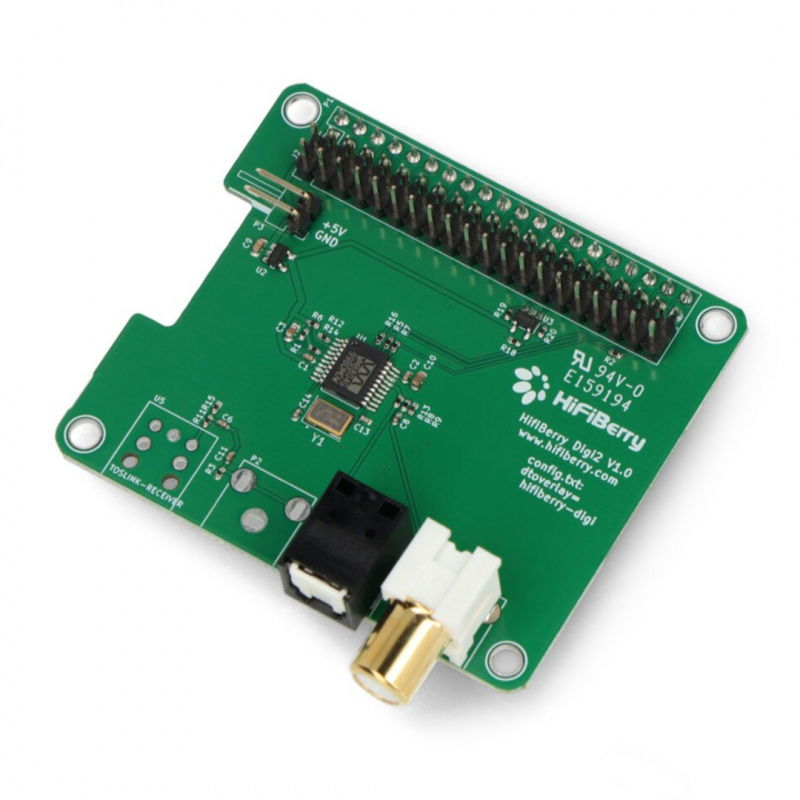


A hat-style shield for Raspberry Pi 4B, 3B+, 3B, 2B, A+, B, and Zero with a high-quality S/PDIF interface and optical connector. The chip used in the device has 24-bit resolution and operates at 192 kHz.
A hat-style shield for Raspberry Pi 4B, 3B+, 3B, 2B, A+, B, and Zero with a high-quality S/PDIF interface and optical connector. The chip used in the device has 24-bit resolution at 192 kHz.
| The device works with Raspberry Pi 3 after disabling the Bluetooth module, details in the manufacturer's statement HiFiBerry regarding compatibility with Raspberry Pi 3. |
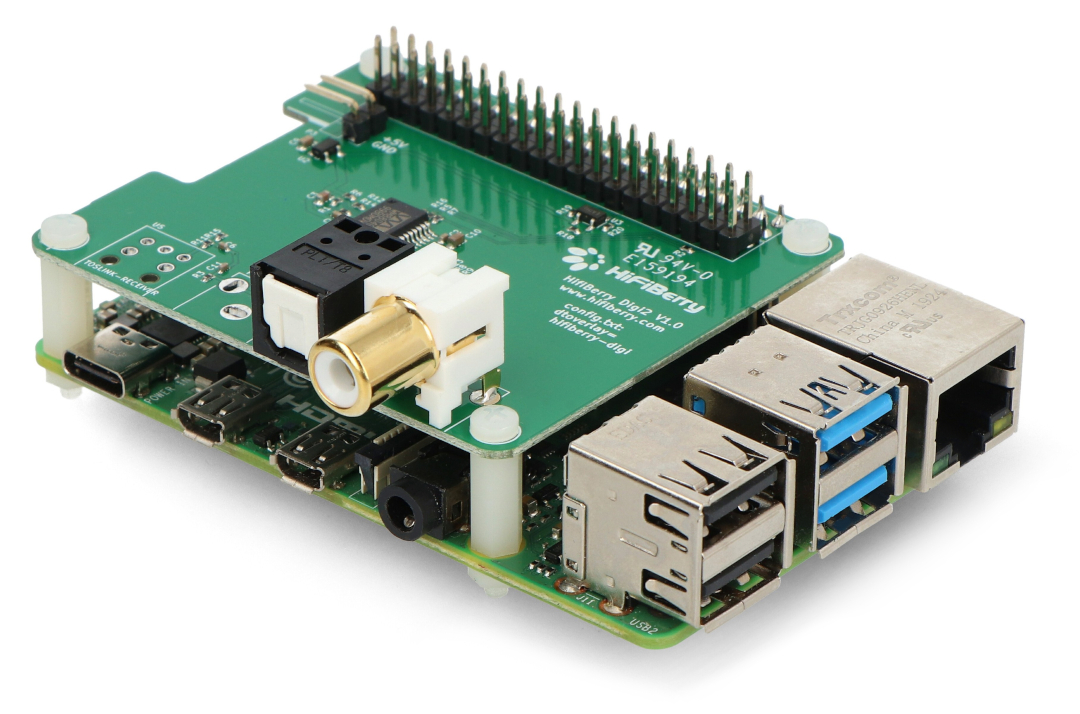
Introducing the HiFiberry series modules.
Installing the HiFiBerry is very simple. Simply insert the memory card into your computer's reader, then run the configuration program and select the appropriate board and operating system. The application will automatically install the operating system with the appropriate driver. Once the card is inserted into the Raspberry Pi, the HiFiBerry board will be properly configured.
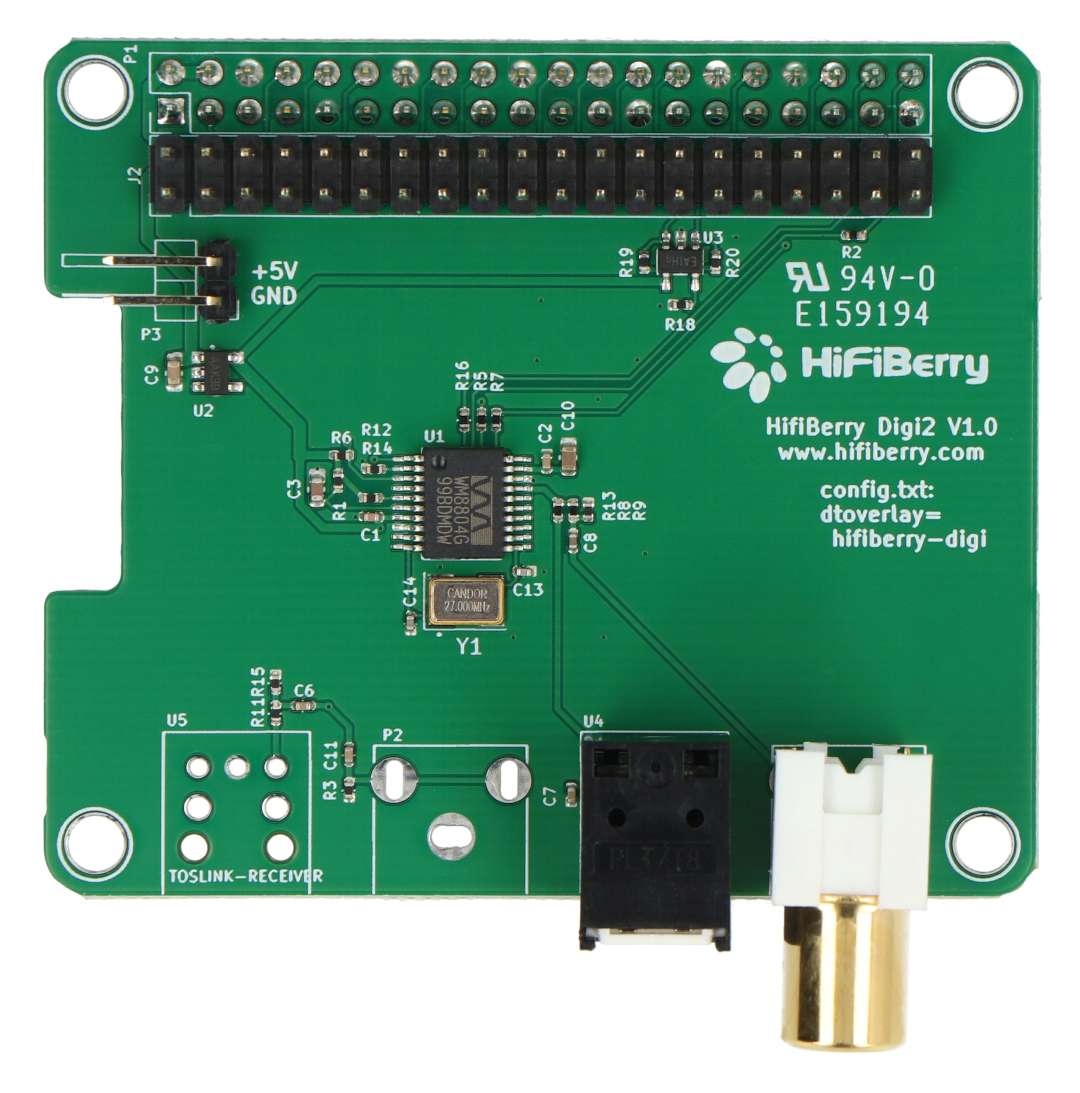
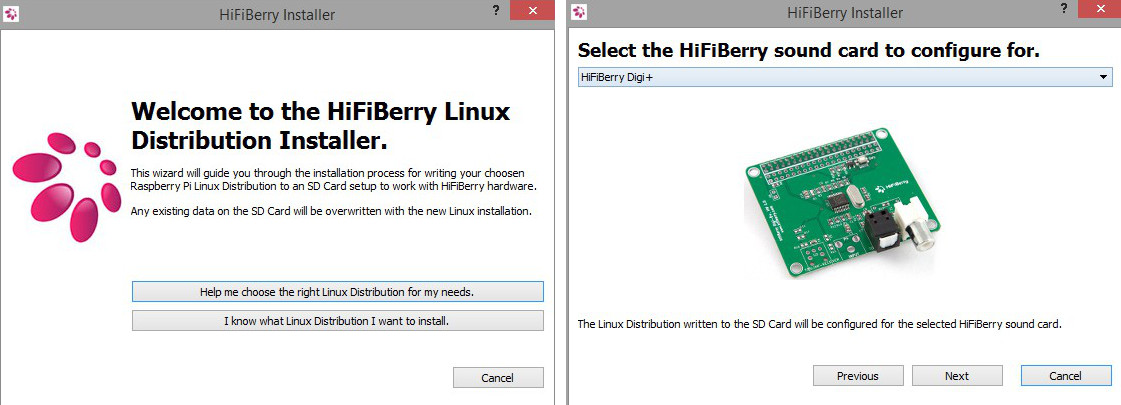
The HiFiBerry configuration program is very simple and intuitive.
The installation description for the ready-made operating system can be found at this address , the list of supported systems is available on the manufacturer's website.
You can find the Max2Play system for HiFiBerry online, which allows you to create a multiroom setup using multiple Raspberry models. More information can be found on the MalinowePi blog. |
A video to help you choose the right HiFiBerry version.
| Sound card - type | DIGI |
| Sound card - oscillators | Raspberry Pi clock |
| Sound card - Chipset | Cirrus |
| Sound card - Connectors | SPDIF optical |
| Sound card - output | digital |
| Niebezpieczne | Component |
| Package width | 7 cm |
| Package height | 9 cm |
| Package depth | 2.5 cm |
| Package weight | 0.03 kg |
Be the first to ask a question about this product!

Product Information
The product is a component intended for further assembly/prototyping. It does not constitute a standalone finished product within the meaning of product safety regulations.
Dane GPSR
Country of Origin: Switzerland
Manufacturer Contact Details: Modul 9 GmbH Haupstr. 129 8272 Ermatingen, Switzerland
EU Marketer Contact Details: BOTLAND B. DERKACZ SP. K. Gola 25A - 63-640 Bralin